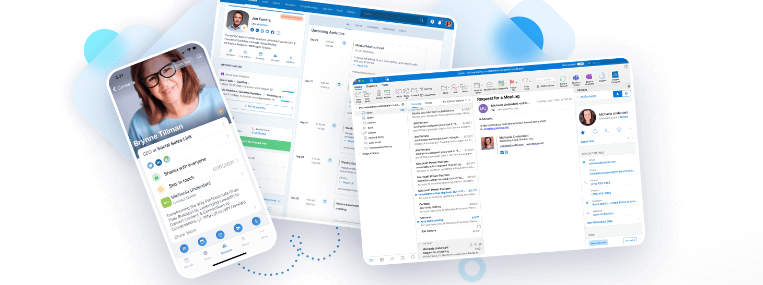
Unless Nimble snuck something by me, we have no new updates to report today, however, here is a look at …
Coming Soon!
Nimble may be providing a single button to “manage preferences” or “unsubscribe” negating the need for both if you wish to use the manage preferences option. No promises!
There was a recent webinar that was held on email marketing as well as AI features on the horizon. Here are a couple of screen shots from that webinar …
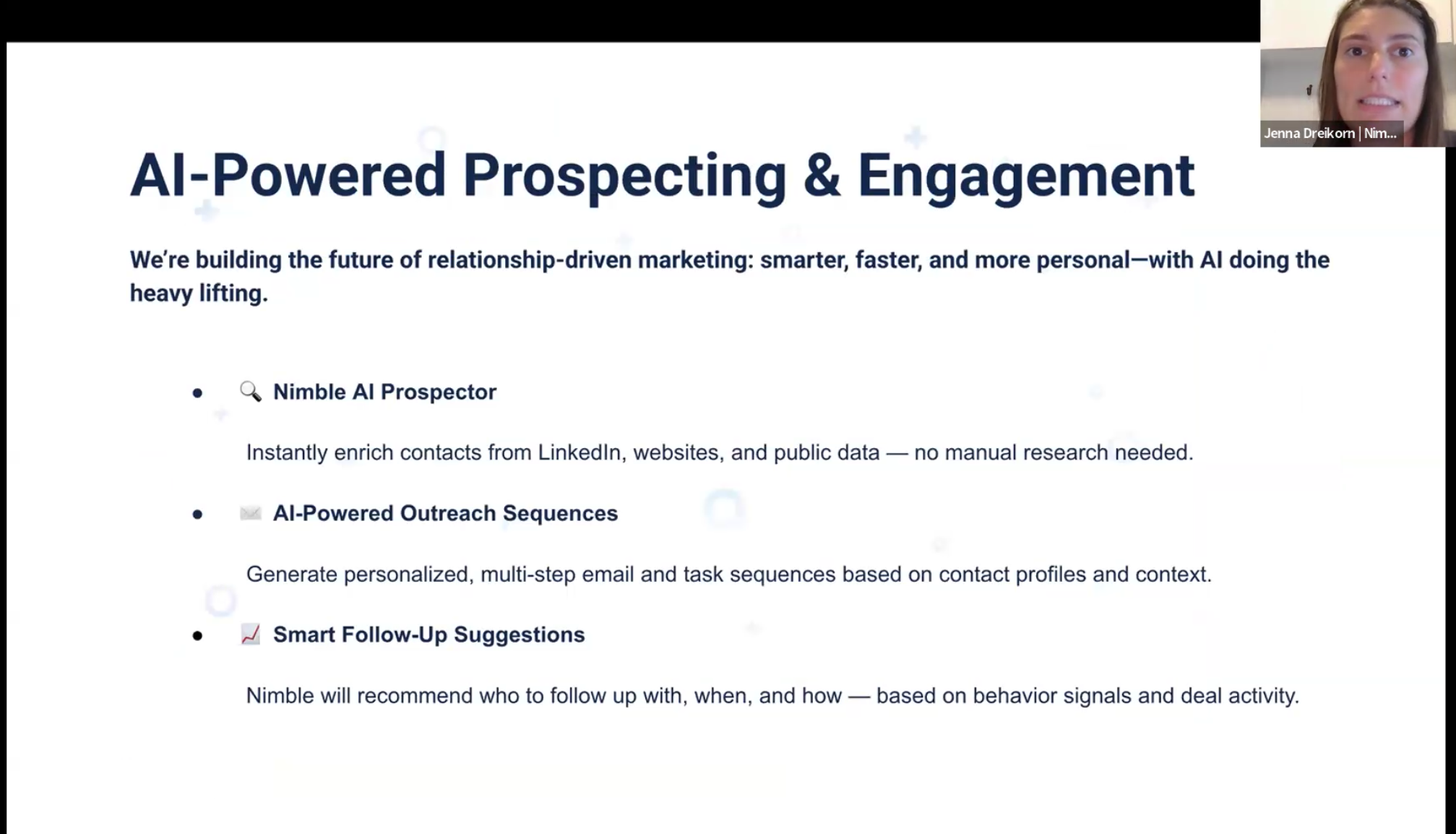
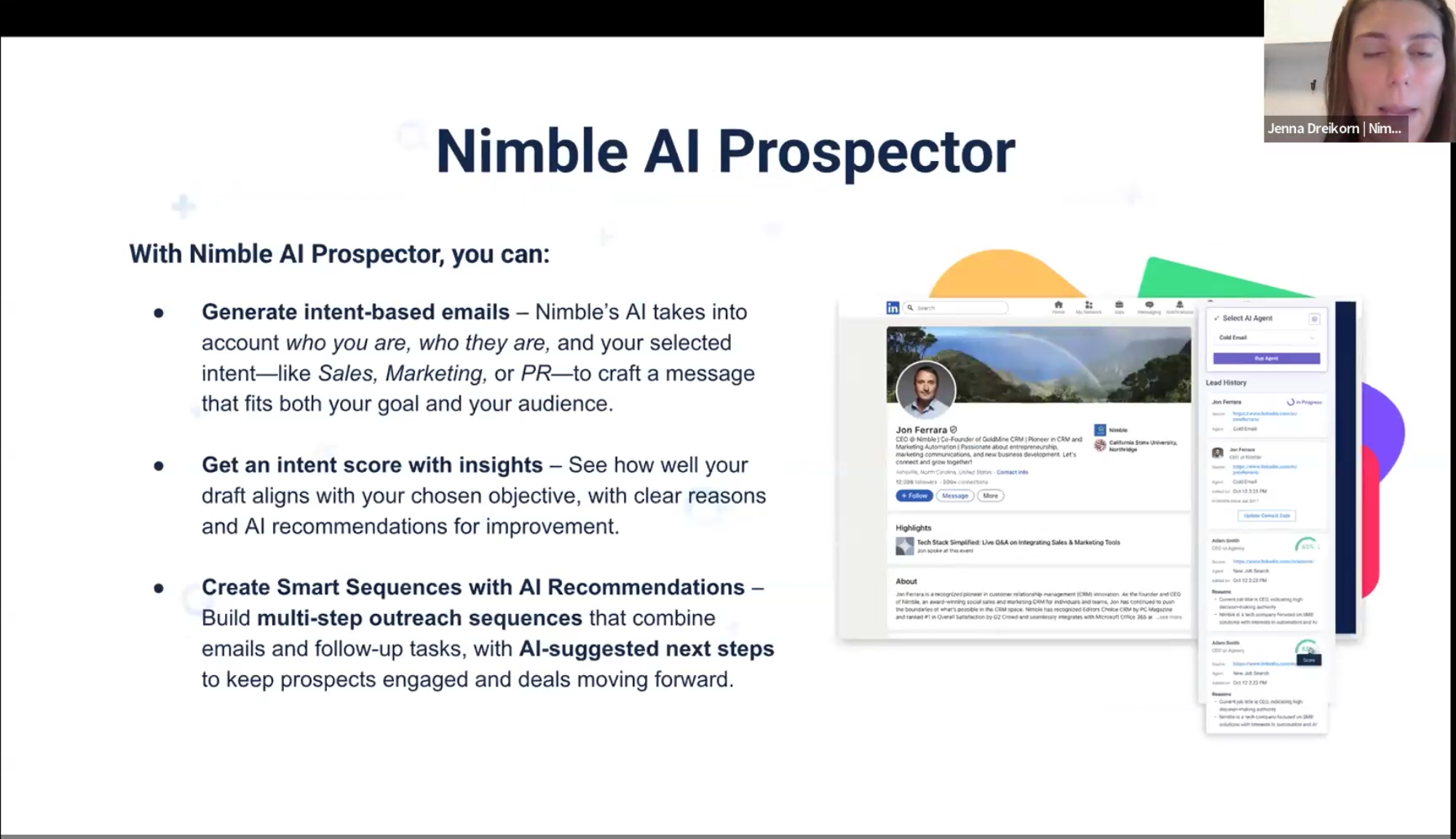
The first version of AI Prospector should be available sometime before the end of this year. Hopefully sooner rather than later! Much more AI to come in Q1 2026.
Your “Do Not Mail” List
One thing that I have learned is that, if one person has questions about something, there is probably a huge contingent of folks faced with the same quandary. Nimble recently changed its “Unsubscribed” list to the “Do Not Mail” list. They also introduced new features that are associated with this. Let’s explore these.
- The “Do Not Mail” list includes both unsubscribes as well as bounces. They are identified separately.
- The auto-tag feature means that anybody who either unsubscribes or bounces will have their contact record tagged automatically going forward from when you created the tag.
- A notice is also automatically applied to a contact record when they unsubscribe. However, there is no notice for bounces. You could, however, tag those records as having bounced emails if you are not auto-tagging.
- One category of unsubscribes is the “Legacy Unsubscribe All”. This category has been assigned to all people on your list that were there before these categories became available. You can also easily tag those existing contact records, if you wish. You can also rename this category. In fact, you can create, edit, or delete any of Nimble’s default categories.
- If you have multiple unsubscribe categories, this means that someone, for example, could be unsubscribed from your “product updates”, but still receive your “newsletters”.
- When you add an unsubscribe link to an email, you will be asked to specify which unsubscribe category or categories that this content is assigned to.
- You do not have to worry about people receiving, for example, newsletters that they have unsubscribed from. If you add them to your newsletter list, Nimble will automatically filter them out! If they have not unsubscribed to any other categories, they will still receive those emails for those subscribed categories. This filtering also holds true for bounced emails.
- Despite unsubscribing even from all emails, they can still be sent one-off emails. You will receive a caution notice. Your admin person also has the ability to whitelist them.
That will do it for today. Thank you again for placing your trust in my services!
Please be sure to check out these top 100 sales blogs on Feedspot. I am honored to be one of them!
Are you thinking about a CRM? If you would like to explore whether or not Nimble CRM might be right for you, please book a free 30-minute Zoom consultation with me by going to my calendar. To learn more about our Nimble training and implementation services, please visit our Nimble CRM training services page.
In addition to Nimble CRM, I also offer sales training and training on LinkedIn as well as getting started with AI (Artificial Intelligence). I can even assist with hiring new salespeople with initial interviews.
I would also be happy to connect you to a marketing professional who I know and trust or to an automated yet personalized and human-to-human LinkedIn prospecting system. Please reach out to me at craig@adaptive-business.com for an introduction!

Craig M. Jamieson
Latest posts by Craig M. Jamieson (see all)
- Nimble CRM Tips & Updates – March 4, 2026 - March 4, 2026
- Now Offering Nimble CRM for the Signage Industry - February 25, 2026
- Nimble CRM Tips & Updates – February 18, 2026 - February 18, 2026